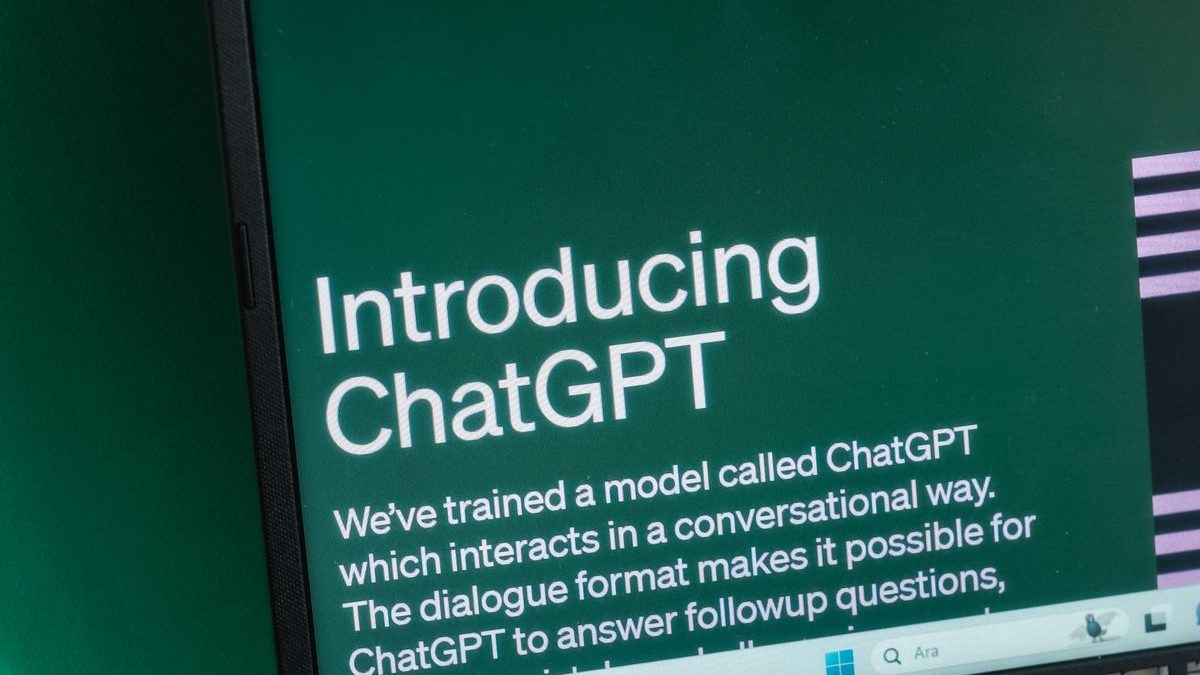
Most people who use AI at work end up with one assistant open in a browser tab all day. The question is which one deserves that tab. ChatGPT, Claude and Gemini can all draft, summarize, explain and brainstorm, and on simple tasks the differences are small. On the tasks that eat your week, they can be bigger than you’d expect.
This guide skips the benchmark charts and looks at the things that matter in an office: how each tool handles long documents, how it fits with the software you already use, what the business plans offer and where each one tends to trip up.
Table of Contents
The Short Version
If you want the quick answer before the details:
- ChatGPT (OpenAI) is the most widely used all-rounder. It has a big ecosystem of features: file analysis, image generation, voice mode, custom GPTs and a large library of integrations.
- Claude (Anthropic) is often preferred for long-form writing and for working through long documents. Many users find its default writing style less generic and its answers more careful.
- Gemini (Google) makes the most sense if your company lives in Google Workspace, because it works inside Gmail, Docs, Sheets and Drive.
None of these is “the best” in every situation. The right choice depends on your work, your existing software and your company’s data rules.
How We Compared Them
Rather than rank the models on abstract tests, we looked at five practical questions a manager or freelancer would ask:
- How good is the writing, and how much editing does it need?
- Can it work with my files (PDFs, spreadsheets, slide decks)?
- Does it plug into the apps I already use?
- What happens to the data I paste in?
- Is there a sensible plan for teams?
Features change often with all three products. Treat what follows as a starting point and check each vendor’s current plan page before you buy.
Writing Quality and Tone
All three can produce a clean first draft of an email, a blog outline or a product description in seconds. The differences show up in the details.
ChatGPT is flexible and quick, and it follows formatting instructions well. Left to its defaults, though, it can lean on familiar phrases and bullet-heavy answers. A clear prompt with an example of your tone fixes most of that.
Claude tends to write in longer, more natural paragraphs and is good at keeping a consistent voice across a long piece. It is also good at editing: paste in a draft, ask for a tighter version, and it usually keeps your meaning intact.
Gemini is solid for short business writing and is at its most useful when the writing happens inside Google Docs or Gmail, where you can draft or rewrite without copying text between windows.
Whichever you use, the output is a draft. Facts, names, numbers and quotes still need checking by a person. Our guide to AI grammar and editing tools covers the editing step in more detail.
Working With Files and Long Documents
This is where many teams make their choice.
- All three accept uploaded documents on most plans and can summarize, compare or extract information from them.
- Claude has a reputation for handling very long documents and keeping track of details across them, which helps with contracts, reports and research packs.
- ChatGPT can run code behind the scenes to analyze spreadsheets and CSV files, build charts and clean data, which is handy for quick analysis.
- Gemini can pull from files already in your Google Drive (where your admin allows it), so you don’t have to upload them again.
A practical tip: when you ask any assistant about a long file, ask it to quote the passage it is relying on. That makes it far easier to spot answers it has made up or misread.

Integrations and Everyday Workflow
| ChatGPT | Claude | Gemini | |
|---|---|---|---|
| Best fit | General use, mixed tool stacks | Long writing, document-heavy work | Google Workspace teams |
| Works inside office apps | Via integrations and connectors | Via integrations and connectors | Built into Gmail, Docs, Sheets, Drive |
| Data analysis | Strong (runs code on files) | Good (can also run code on many plans) | Good, especially in Sheets |
| Custom assistants | Custom GPTs | Projects with shared instructions | Gems |
| Mobile apps | Yes | Yes | Yes |
If your team already uses Microsoft 365, it is also worth looking at Copilot before adding a separate subscription. We compare the two big office suites’ assistants in Microsoft 365 Copilot vs. Gemini for Google Workspace.
Privacy and Data Use
This is the part people skip, and it matters most.
On consumer plans, each provider has settings that control whether your conversations can be used to improve its models. Look for the data controls in the settings menu and read what they say. Business and enterprise plans from all three vendors generally state that customer data is not used to train models by default, and they add admin controls, single sign-on and audit features.
Whatever plan you pick, set a simple rule for your team: no customer personal data, passwords, unreleased financials or confidential contracts in an assistant unless your company has approved that tool for that kind of data.
Where Each One Tends to Struggle
- Making things up. All three can state wrong facts with total confidence, invent sources or misquote a document. This is the biggest risk in professional use.
- Current events. Answers about recent news, prices or regulations need web search turned on, and you should still click through to the source.
- Math and logic. They have improved a lot, but a spreadsheet formula or a calculation should be checked, not trusted.
- Over-agreeing. If you push back, an assistant may cave even when it was right. Ask it to explain its reasoning instead.
How to Pick in One Afternoon
Don’t choose based on reviews alone. Run a small test with your own work:
- Pick five real tasks you do every week, such as a client email, a report summary, a spreadsheet question, a meeting agenda and a piece of marketing copy.
- Give each assistant the same prompt and the same files.
- Score each answer on accuracy, how much editing it needed and how long it took.
- Check which one fits where you already work (Google, Microsoft or neither).
- Read the business plan’s data terms before rolling it out to the team.
Most free tiers are enough for this test. If one tool wins clearly on your tasks, that’s your answer. If they’re close, choose the one that fits your existing software.

Should You Pay for More Than One?
For most individuals, no. One paid plan used well beats three used badly. Some heavy users do keep two: for example, Claude for writing and editing and ChatGPT for data work. If you go that way, keep a short shared document of prompts that work, so your results stay consistent.
If you’re automating repetitive tasks with these assistants, see our guide to AI workflow automation with Zapier and Make.
FAQ
Which AI assistant is best for writing?
Many writers prefer Claude for long-form drafts and editing because its default style reads more naturally. ChatGPT is just as capable with good prompts. Test both on your own writing before deciding.
Is Gemini only useful for Google users?
No, it works as a standalone assistant too. But its biggest advantage is working inside Gmail, Docs, Sheets and Drive, so Google Workspace teams get the most out of it.
Are free versions good enough for work?
For occasional use, often yes. Paid plans usually add higher usage limits, access to stronger models, more file features and better data controls. Check current pricing on each vendor’s site.
Is it safe to paste company documents into these tools?
Only if your company has approved the tool and plan for that type of data. Business plans offer stronger data protections than consumer plans, but you should still avoid pasting passwords or sensitive personal data.
Will these tools replace writers or analysts?
They speed up drafting and analysis, but they still need someone who knows the subject to check facts, add judgment and take responsibility for the final work.
Final Thoughts
ChatGPT is the safest general pick, Claude is a strong choice for writing and document-heavy work, and Gemini is the natural fit for Google Workspace teams. The best way to decide is a short, honest test on your own tasks. Spend an afternoon on it and you’ll know which assistant deserves the permanent tab.